Choosing the right computing platform is critical for industrial automation, smart terminals, kiosks, monitoring systems, and equipment control. An Android Panel PC and a Windows Panel PC may look similar externally, but their software ecosystems, hardware compatibility, maintenance requirements, and ideal applications are quite different.
Android-based systems are often selected for touch-first interfaces, lightweight applications, and easier deployment, while Windows systems are better suited to complex industrial software, professional applications, and advanced system integration.
For engineers, equipment manufacturers, and system integrators, selecting the right platform requires evaluating software requirements, hardware interfaces, installation conditions, and future expansion needs. AMONGO provides reliable industrial display and computing solutions to support various commercial and industrial applications.
The main difference between Android and Windows Panel PCs lies in their operating systems, software environments, and application capabilities.
| Feature | Android Panel PC | Windows Panel PC |
| Operating system | Android ecosystem | Windows operating system |
| Software compatibility | Suitable for Android applications and lightweight systems | Supports professional industrial software |
| User interface | Simple and touch-friendly | Familiar desktop environment |
| Application focus | Smart terminals, IoT devices, interactive systems | Automation, monitoring, and industrial control |
| Maintenance | Easy deployment and management | Flexible configuration and system support |
An Android Panel PC is often suitable for applications requiring simple operation, touch interaction, and efficient deployment. Windows Panel PCs are generally preferred for projects that involve complex software platforms, industrial programs, and specialized applications.
Understanding these differences helps businesses select the right solution according to project requirements rather than choosing only based on hardware specifications.
Software compatibility is one of the most important factors when selecting a Panel PC platform.
Android systems support a wide range of Android applications and customized software solutions. They are commonly used in smart terminals, digital signage, interactive devices, and IoT-based control systems where simple interfaces and touch operation are required.
Windows Panel PCs provide broader compatibility with professional software platforms, including industrial automation programs, monitoring systems, databases, and enterprise applications. They are often selected when projects depend on Windows-based software environments or require integration with existing industrial systems.
Before choosing between Android and Windows Panel PCs, manufacturers should evaluate current software requirements, application complexity, and future upgrade plans to ensure long-term compatibility.

Hardware compatibility is another important consideration for industrial Panel PC applications.
Industrial systems often require multiple interfaces, including USB, LAN, COM ports, storage connections, and communication with external devices. Windows Panel PCs usually provide stronger compatibility with complex industrial peripherals and specialized software tools.
Android Panel PCs can also support various hardware interfaces, especially for applications focused on touch control, data collection, and network-based communication.
When selecting a Panel PC, customers should consider processor performance, memory capacity, storage requirements, interface options, and device management functions. A suitable configuration can help improve system stability and reduce maintenance requirements during long-term operation.
Installation conditions can directly influence the reliability and service life of Panel PCs.
Industrial and commercial environments may involve dust, vibration, temperature changes, and continuous operation. Therefore, selecting the appropriate mounting method and protection design is essential.
Common installation options include:
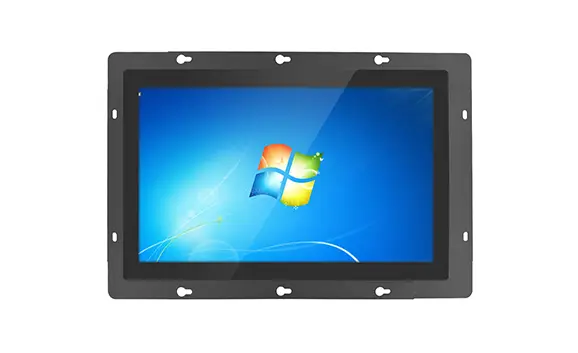
Panel mount installation: Suitable for embedded applications where the Panel PC needs to be integrated into machines, cabinets, or control systems.
VESA/wall mount installation: Suitable for flexible installation in monitoring rooms, commercial spaces, and interactive applications.
Desktop installation: Suitable for temporary workstations and operator stations.
Both Android and Windows Panel PCs can be customized according to project requirements, including screen size, touch functionality, interface configuration, and industrial protection features.
The best Panel PC solution depends on application goals, software requirements, and system complexity.
Android Panel PCs are commonly suitable for:
Touch-based control terminals.
Smart retail and interactive applications.
IoT devices requiring simple operation.
Projects requiring efficient deployment.
Windows Panel PCs are often preferred for:
Industrial automation systems.
Complex software environments.
Professional monitoring applications.
Projects requiring advanced system integration.
For customers comparing different industrial computing solutions, AMONGO provides customized options based on application scenarios, hardware requirements, and integration needs. An android panel PC can be an ideal choice for projects requiring flexible touch operation, efficient deployment, and Android-based applications.
With options such as touch screen solutions, wall mount touch screen PC designs, and different mounting configurations, AMONGO helps customers build reliable systems for industrial and commercial applications.
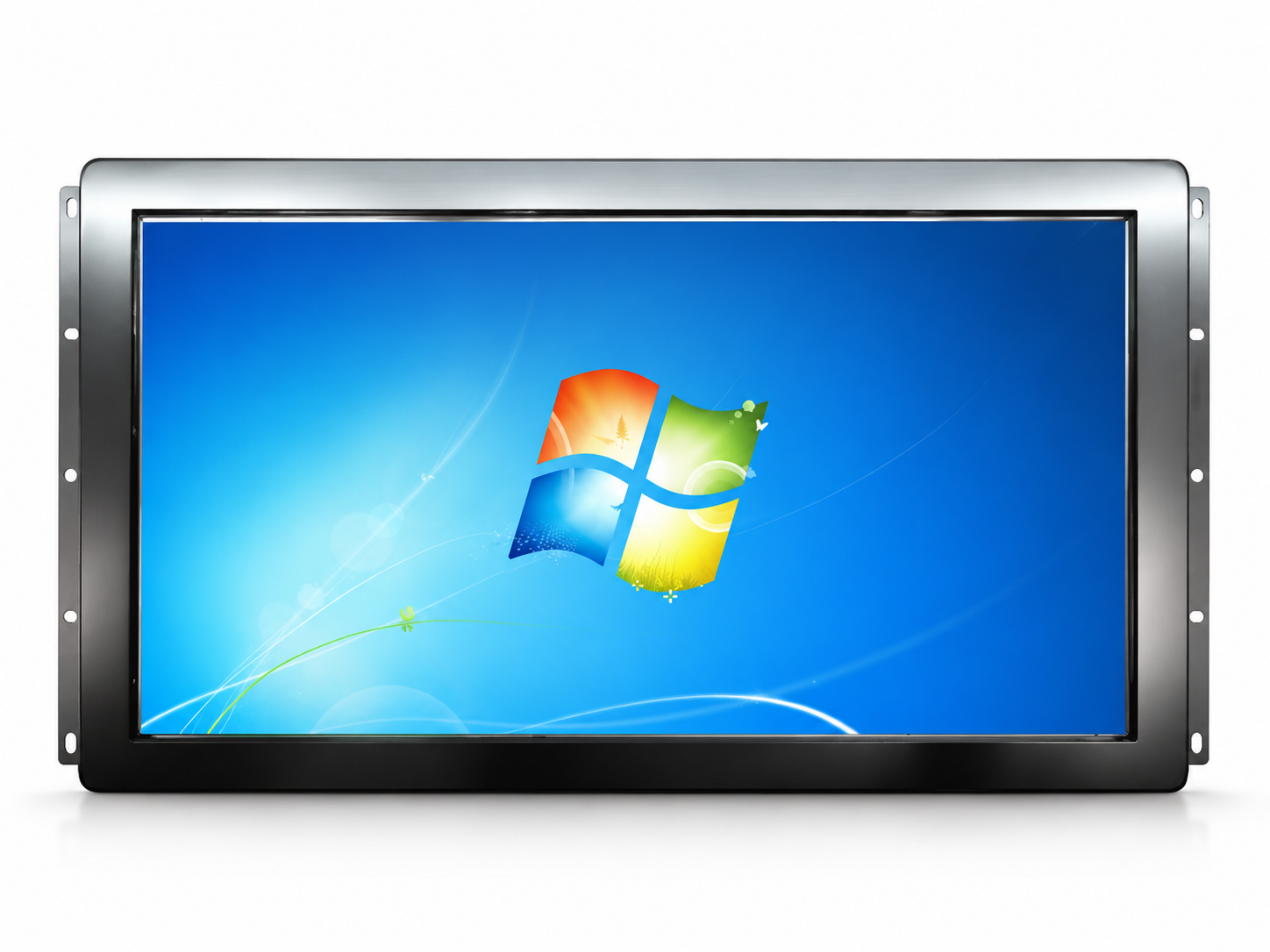
Choosing between an Android Panel PC and a Windows Panel PC depends on the specific requirements of each project. Android solutions are suitable for lightweight applications, touch-based interaction, and smart terminals, while Windows solutions provide stronger support for complex industrial software and automation systems.
By evaluating software compatibility, hardware interfaces, installation conditions, and future scalability, businesses can select the most suitable Panel PC solution. Depending on installation requirements, customers can choose solutions such as an panel mount PC for embedded industrial equipment or other customized configurations. AMONGO supports customers with reliable industrial computing products and professional integration solutions.
An Android Panel PC can replace traditional computers in applications that mainly require touch interaction, lightweight software, and simple control functions. However, complex industrial software may still require a Windows-based system.
Yes. Android Panel PCs can be used in many industrial applications, especially smart terminals, IoT systems, interactive control interfaces, and digital management solutions.
Windows Panel PCs are often preferred for complex automation systems because they provide wider compatibility with professional industrial software and control platforms.
Yes. Both Android and Windows Panel PCs can be equipped with touch screen functions, allowing users to directly interact with applications and equipment.
Panel PCs can support different installation methods, including panel mount, VESA mount, wall mount, and customized mounting solutions depending on project requirements.
Yes. Professional suppliers can customize display size, processor options, memory, interfaces, touch functions, and mounting structures according to application needs.